BookGraph
BookGraph turns your reading list into an interactive map of connections—linking books by author, topics, themes, and tags. Explore clusters, click nodes to see relationships, and spot patterns. Saves locally with optional import/export; no accounts or backend.
Gary Johnson
@jazzbassjohnson
Screenshots
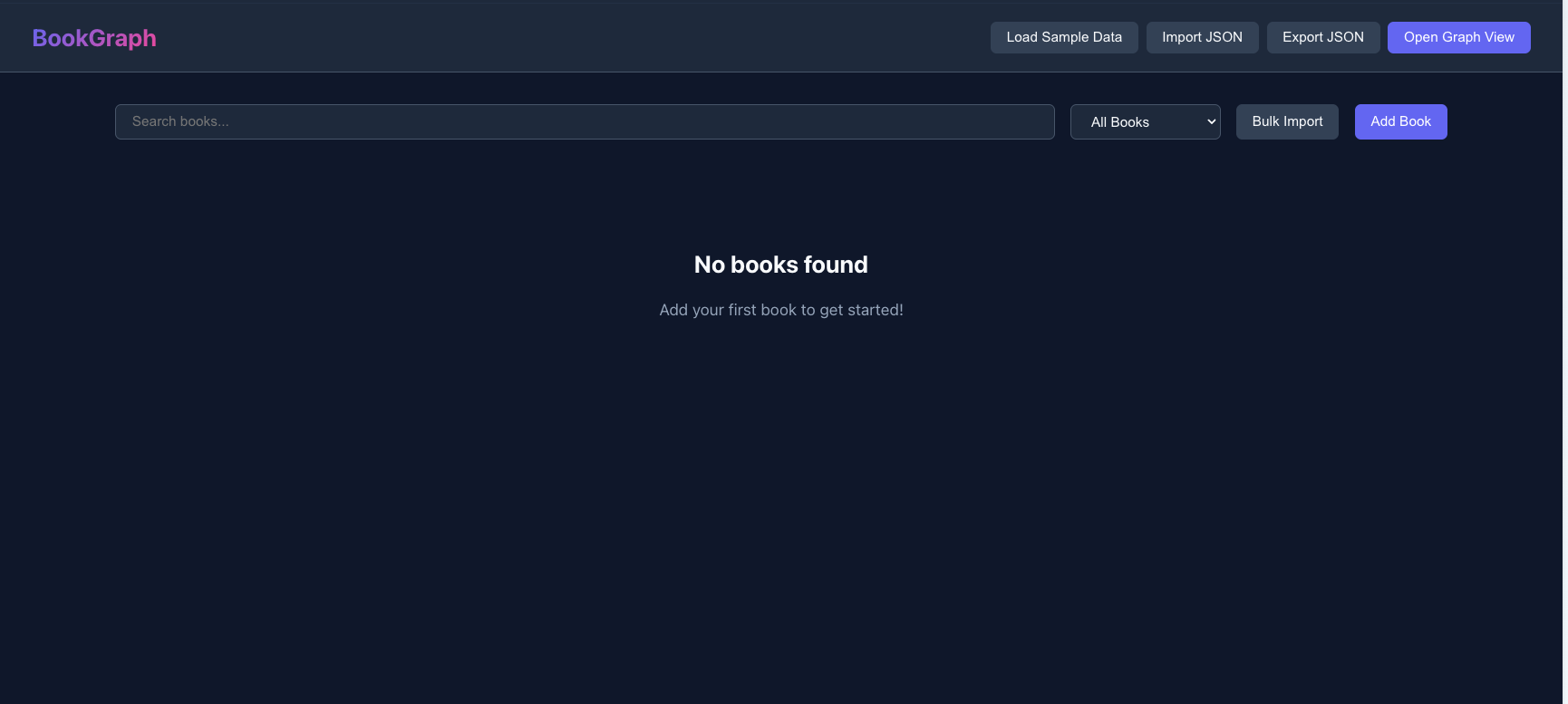
About this App
A browser-only app that turns your reading list into an interactive connection map—linking books by author, topics, themes, and tags. Add books, explore clusters, click nodes to see relationships, and spot patterns in what you read. Everything saves locally in your browser (no accounts, no backend), with import/export if you want to move it.
BookGraph
A browser-only web app that lets you track books you've read and visualize connections between them through an interactive graph.
Features
Library Management
- CRUD Operations: Add, edit, and delete books with rich metadata
- Book Fields: Title, author(s), topics, themes, tags, year published, rating (1-5), date read, and notes
- Search: Full-text search across all book fields
- Filter: Filter by author, topic, theme, or tag
- Bulk Import: Paste multiple books at once using simple text formats
Interactive Graph View
- Hybrid Graph: Visualize books as nodes connected to attribute nodes (authors, topics, themes, tags)
- Force-Directed Layout: Automatic positioning with physics simulation
- Zoom & Pan: Navigate large graphs with scroll and drag
- Draggable Nodes: Pin nodes in place by dragging them
- Edge Toggles: Show/hide connections by type (author/topic/theme/tag)
- Threshold Slider: Hide attributes connected to fewer than N books
- Search & Highlight: Find and center on specific nodes
- Side Panel: Click any node to view details:
- Book nodes: Show metadata, connected attributes, and related books
- Attribute nodes: Show list of connected books
Data Persistence
- localStorage: Data persists across browser sessions (key:
bookgraph.library.v1) - Import/Export JSON: Full portability - export your library and import it elsewhere
- Sample Data: Load pre-populated sample books to try out the app
Getting Started
Prerequisites
- Node.js 18+ (20+ recommended)
- npm
Installation
# Clone or navigate to the project
cd bookgraph

# Install dependencies
npm install

# Start development server
npm run dev
The app will be available at http://localhost:5173
Build for Production
npm run build
The built files will be in the dist folder. You can serve them with any static file server.
Usage
Adding Books
- Click "Add Book" in the Library view
- Fill in the book details (only title is required)
- Use comma-separated values for multiple authors, topics, themes, or tags
- Click "Add Book" to save
Bulk Import
- Click "Bulk Import" in the Library view
- Paste books in one of these formats:
Title by AuthorTitle - AuthorTitle | Author | Topics | Themes | Tags(comma-separated within each field)
- Click "Import Books"
Using the Graph View
- Add some books to your library (or click "Load Sample Data")
- Click "Open Graph View"
- Use the controls panel to:
- Toggle which edge types to display
- Adjust the threshold to hide less-connected attributes
- Search for specific nodes
- Click any node to see details in the side panel
- Drag nodes to reposition them
- Scroll to zoom, drag the background to pan
Import/Export
- Export: Click "Export JSON" to download your library
- Import: Click "Import JSON" and select a previously exported file
Tech Stack
- React 19 with TypeScript
- Vite for build tooling
- react-force-graph-2d for graph visualization
- localStorage for data persistence
Project Structure
src/
├── components/
│   ├── BookCard.tsx      # Book card display in library
│   ├── BookForm.tsx      # Add/edit book form
│   ├── BulkImportModal.tsx
│   ├── GraphView.tsx     # Force-directed graph
│   ├── Library.tsx       # Library page with CRUD
│   ├── Modal.tsx         # Reusable modal component
│   └── SidePanel.tsx     # Graph node details panel
├── App.tsx               # Main app component
├── App.css               # Styles
├── types.ts              # TypeScript interfaces
├── storage.ts            # localStorage utilities
├── seedData.ts           # Sample book data
├── bulkParser.ts         # Text parsing for bulk import
└── graphBuilder.ts       # Graph data construction
License
MIT